KODE NAS Docs
Your own private cloud, in a box the size of a paperback. Setup guides, troubleshooting, and reference for KODE OS and the KODE NAS pebble.
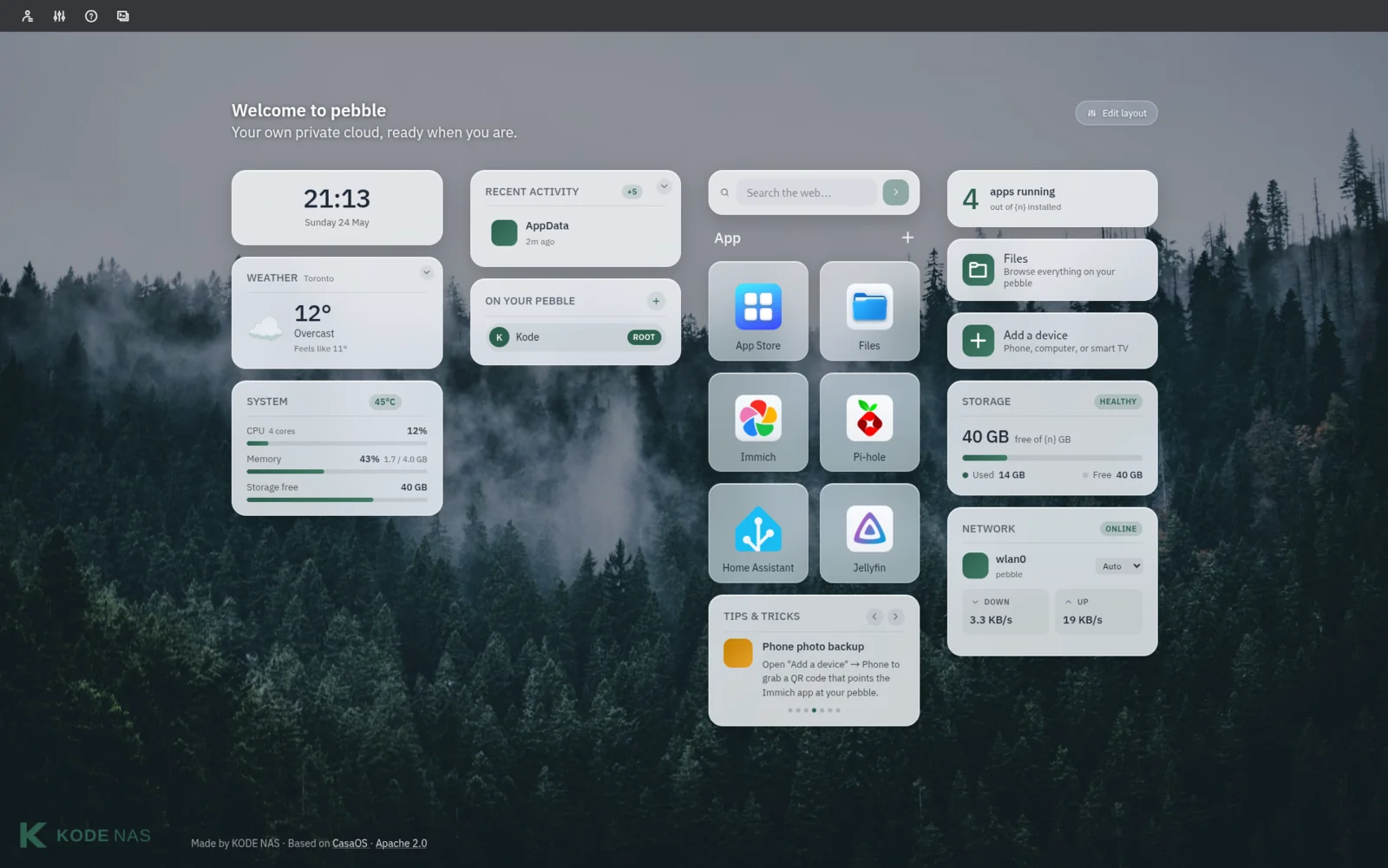
-
KODE OS
The operating system that runs your pebble. Install, set up family accounts, share files, and find your way around the dashboard.
-
KODE NAS Pebble
The hardware itself. What's in the box, what's inside, and how to get it powered on and on your network for the first time.
What is KODE NAS?
KODE NAS makes a small home server called the pebble — about the size of a paperback. It stores your photos, your files, and the apps you want to run at home, with nothing leaving the house unless you ask it to.
The pebble runs KODE OS, a friendly operating system built on top of the open-source CasaOS project. You don't need to be technical to use it: plug it in, follow the five-minute setup, and you have your own private cloud — no subscription, no telemetry, no monthly bill.
These docs cover both: the software (KODE OS) and the hardware (the pebble itself). If you're new, start with the pebble unboxing guide. If you've already got one running, the KODE OS overview is the place to go next.