KODE OS
KODE OS is the operating system that runs on your pebble. It's a fork of the open-source CasaOS project, tuned for KODE NAS hardware and built around one idea: your pebble should feel like a finished appliance, not a Linux dashboard.
You don't need to know what Docker or Samba or SSH are. The dashboard handles all of that for you. These pages cover the parts you might want to know.
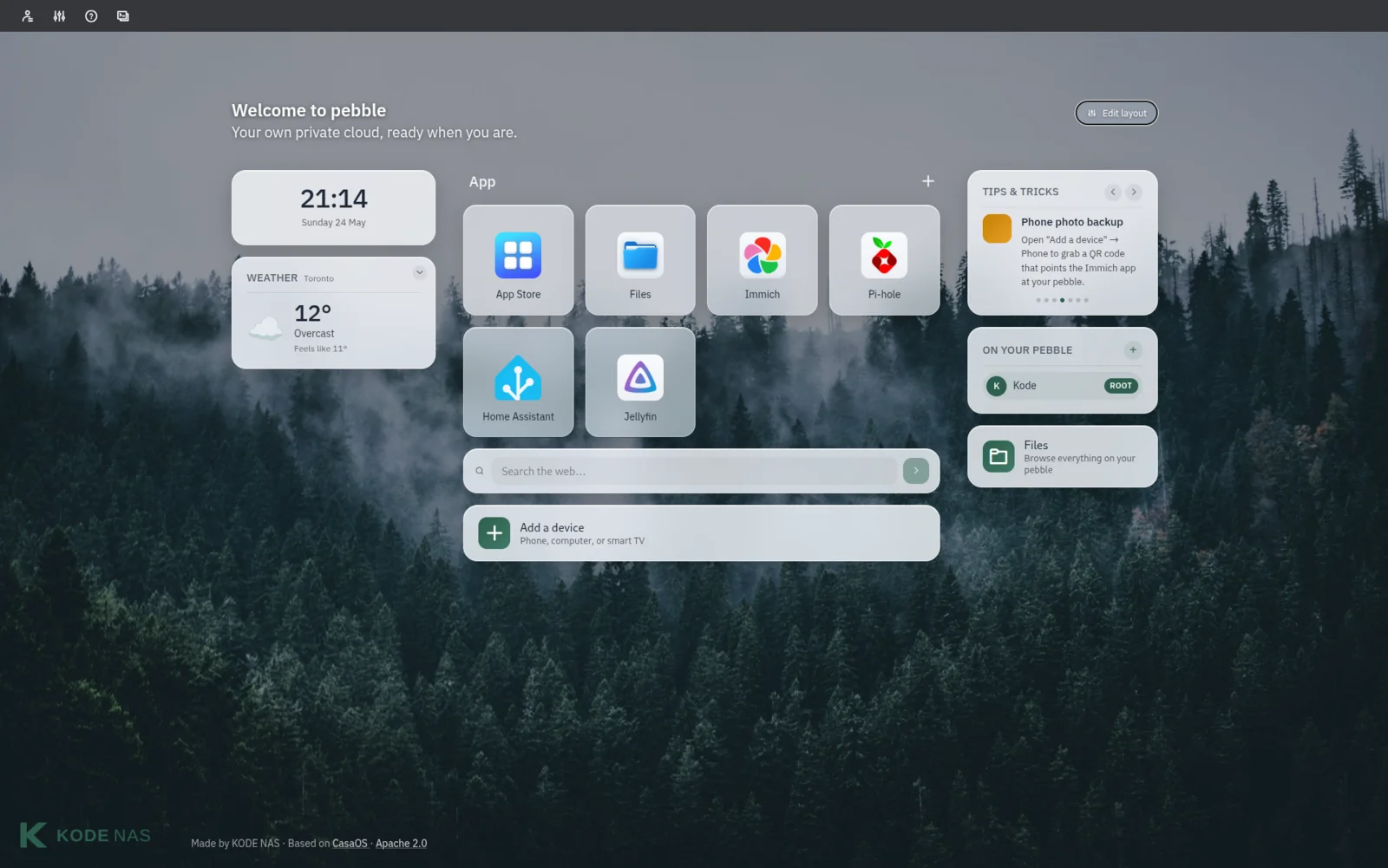
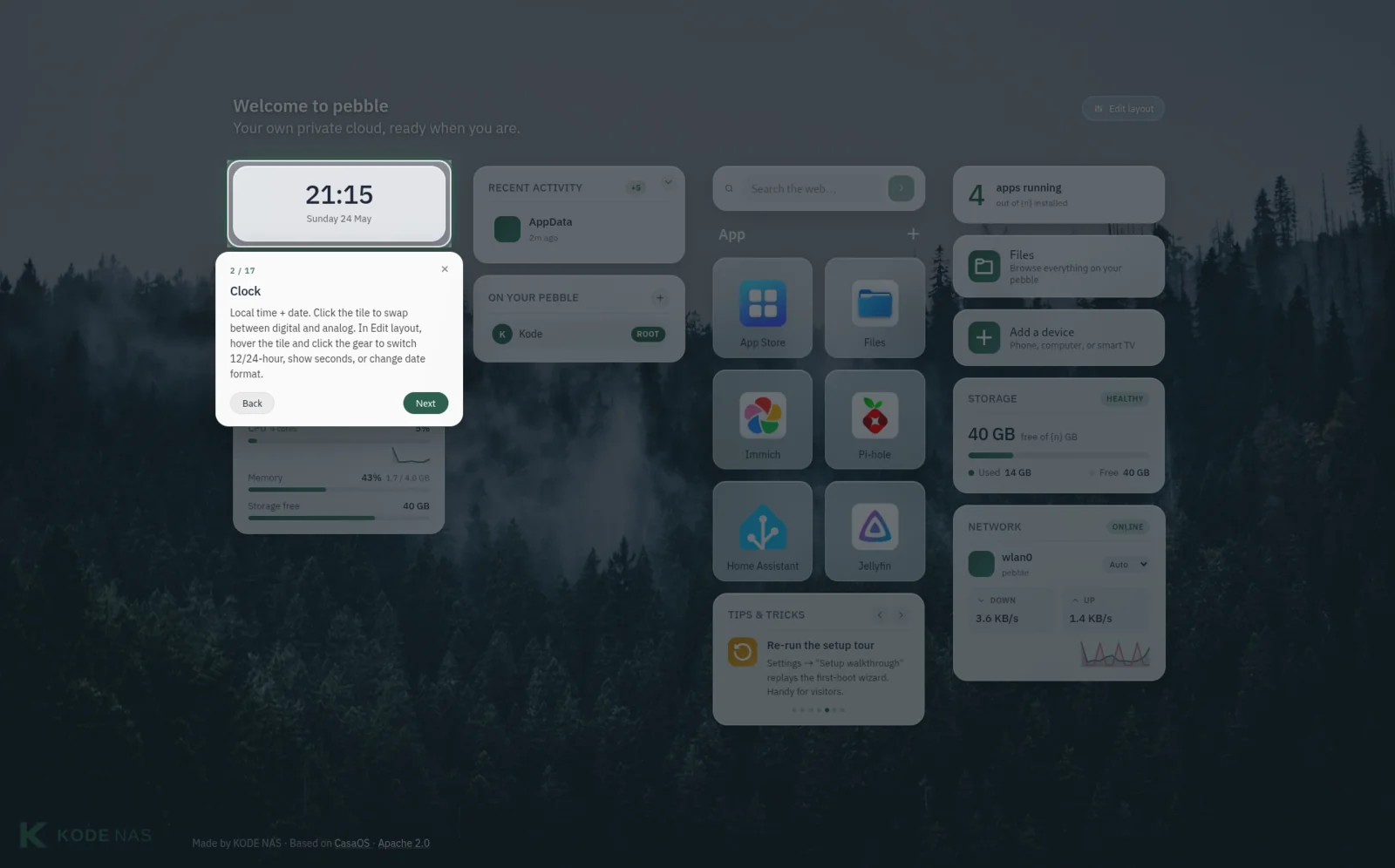
A guided tour, built in
The first time you open the dashboard, KODE OS spotlights each tile and explains what it does. No reading required — you can step through, skip ahead, or come back to the tour later from Settings.
Where to start
-
Install KODE OS
Flash a microSD, boot your Pi, and reach the dashboard. About fifteen minutes start to finish.
-
First boot setup
What the welcome wizard asks for, why, and what each choice changes later.
All KODE OS topics
- Installation — flash, boot, reach the dashboard.
- First boot setup — the welcome wizard, step by step.
- File sharing (Samba) — make folders on your pebble appear on your Mac, Windows PC, or phone.
- OLED display — the optional little screen on the front of the pebble. What it shows and how to change it.
- Troubleshooting — when something looks wrong, look here first.